Get paid
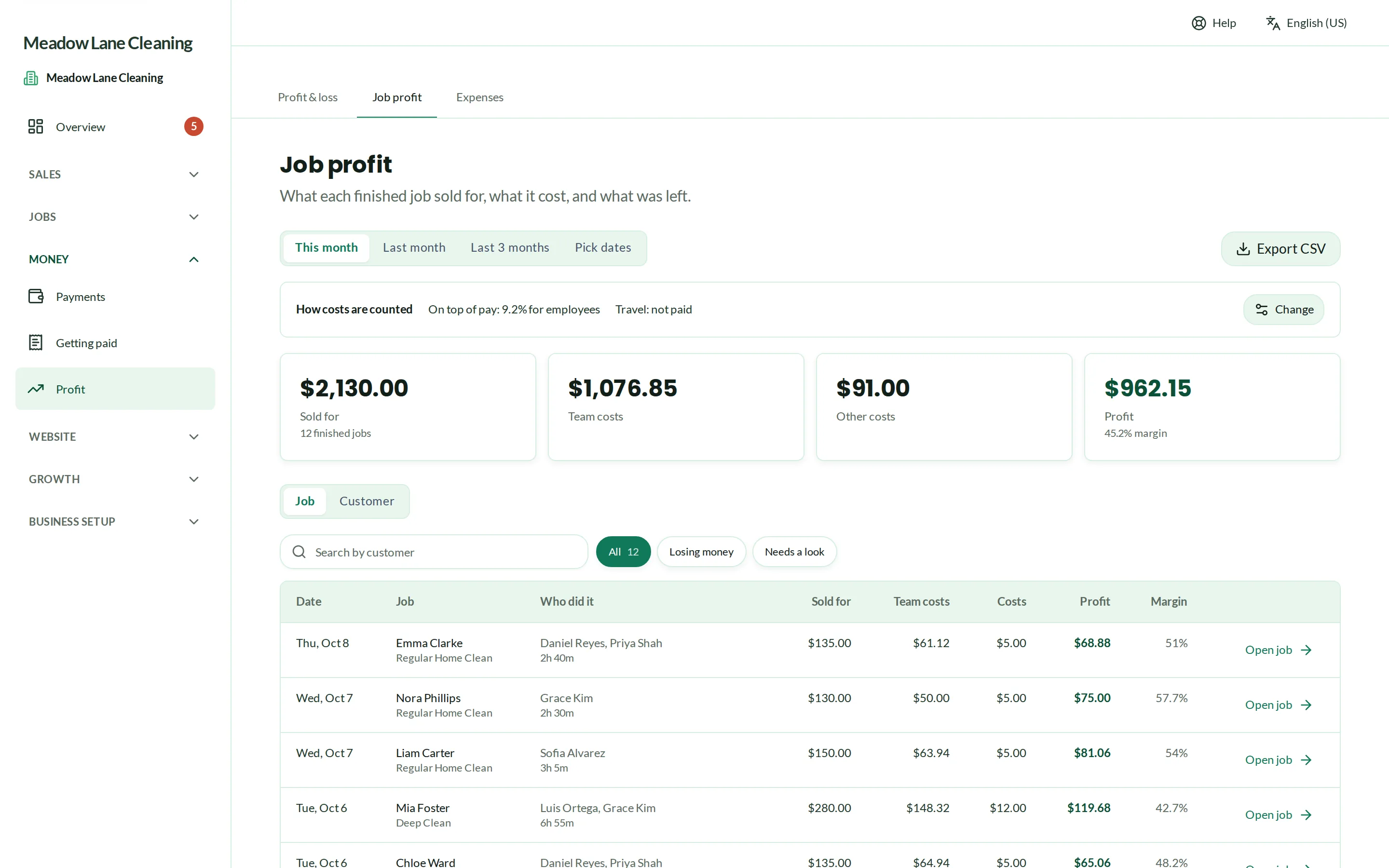
Know what every job really made.
Set how each cleaner is paid, get timesheets from their clock-ins, and see the profit on every job and every customer once pay and costs come off.
Every Pro feature · no card needed
Timesheets from Grow. Pay rules, job profit, expenses, profit & loss and hiring on Pro. See pricing
Real Crewbee screens · demonstration data
Team, pay & profit
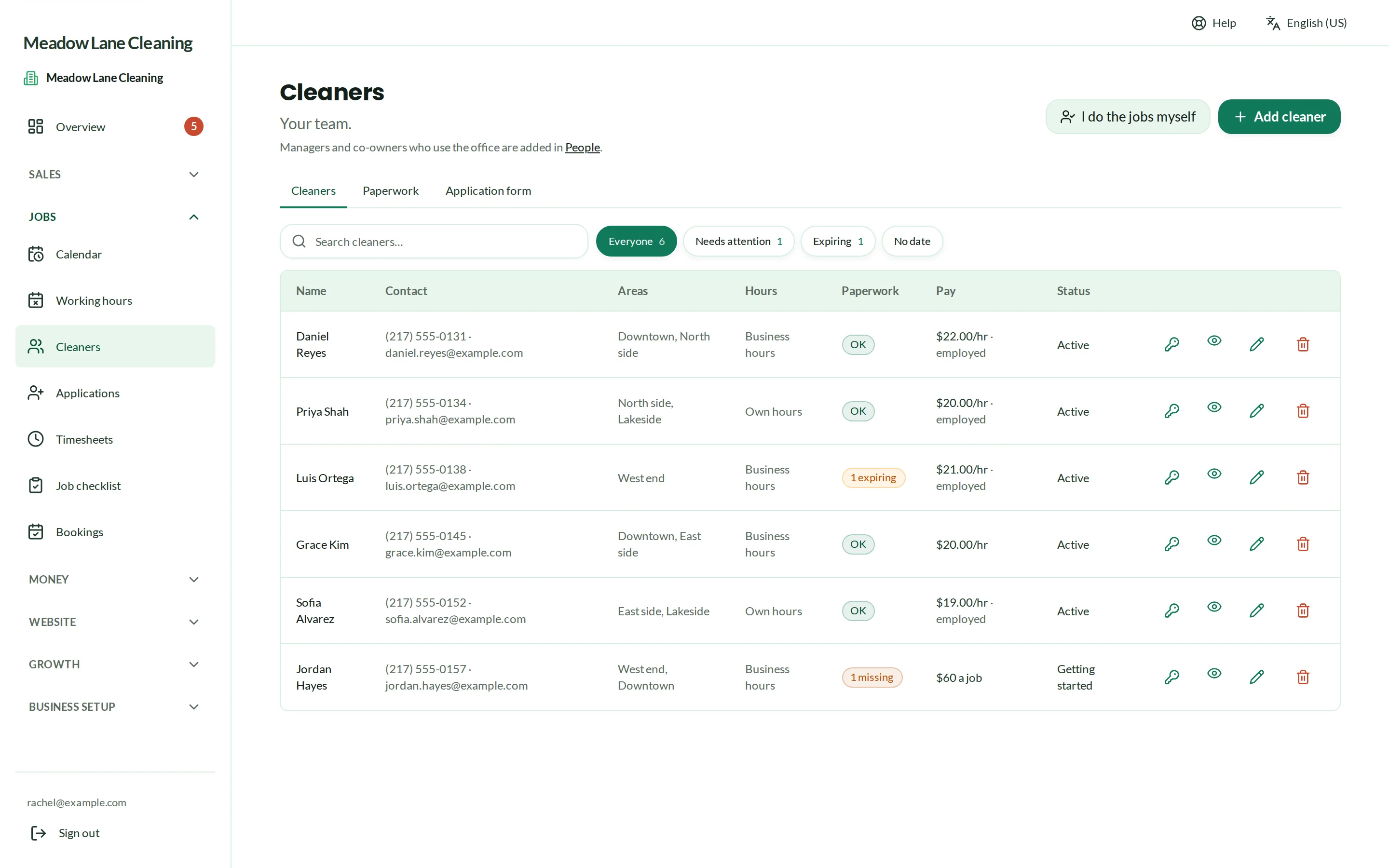
Pay that works the way you do
Pay by the hour, by the job, as a share of the price, or as a salary. Add employer costs and travel, and Crewbee works out what each job cost you.
- Timesheets from clock-ins, with a spreadsheet export
- Office managers, with the money hidden from them if you choose
Team, pay & profit
Profit on every job
See what each job and each customer made after pay and costs, and a profit and loss for the month with your expenses in it.
- Expenses recorded and exported as a spreadsheet
- The jobs that lose money, found before they cost more
Team, pay & profit
Hiring and paperwork
A job application form with its own link, with CVs, and every applicant in one list. Keep each cleaner's documents in one place with a reminder before any of them expires.
- Starter lists of the checks to ask for
- Each cleaner can see and upload their own documents
Questions
Questions, answered
Does it run payroll?
Can managers see the money?
Where do the hours come from?
Run your cleaning business from one place.
Every Pro feature · no card needed